
EnTwin · Operate
Every site and plant item, watched live
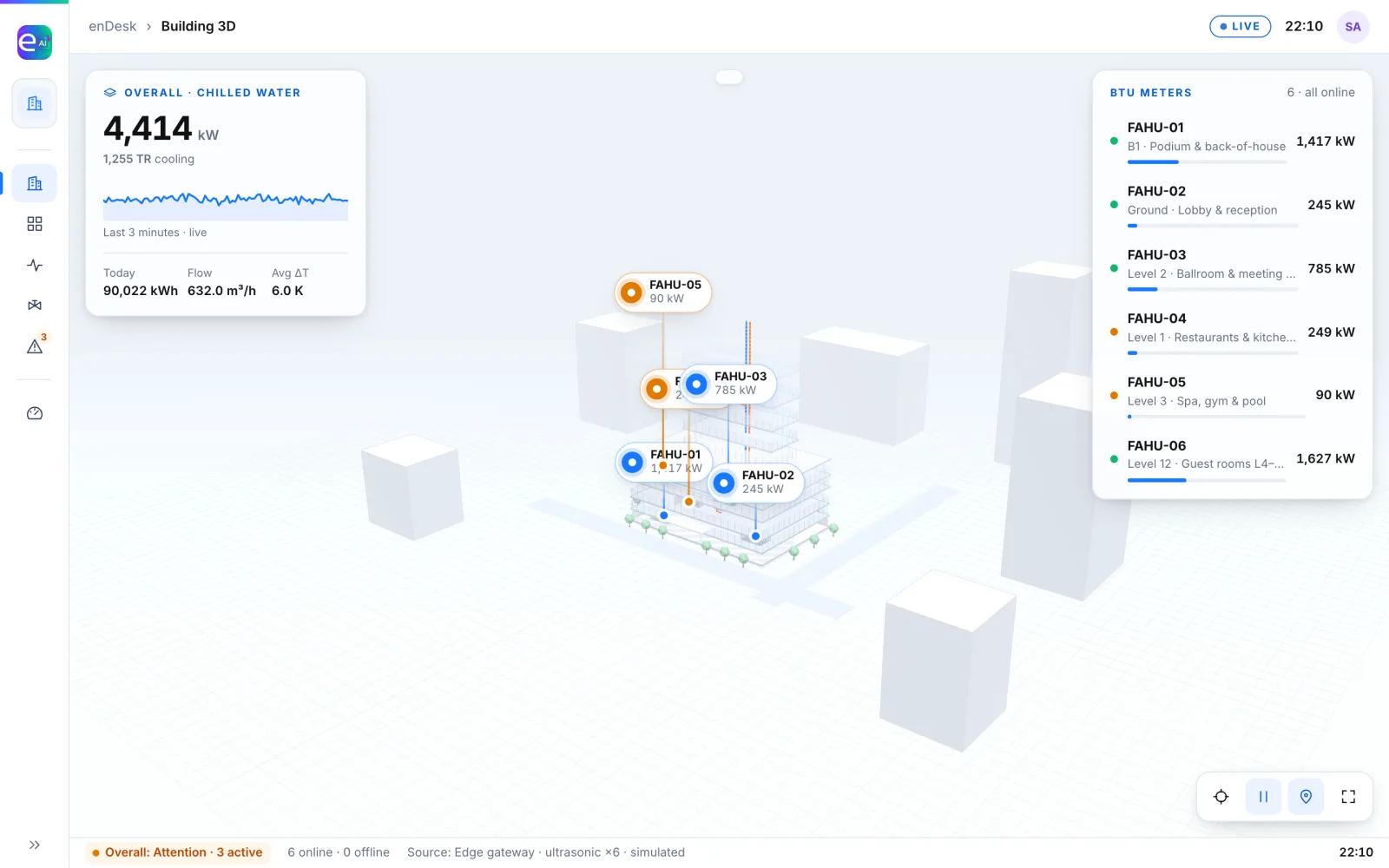
EnTwin is the operations view: a whole site, a building or a single plant room, live in 3D, beside your BMS data. Monitoring first. Control stays with your BMS.
What it does
From the site plan to the valve
Site view
Blocks, pipes, tanks and pumps, live, with the problem areas marked.
Building view
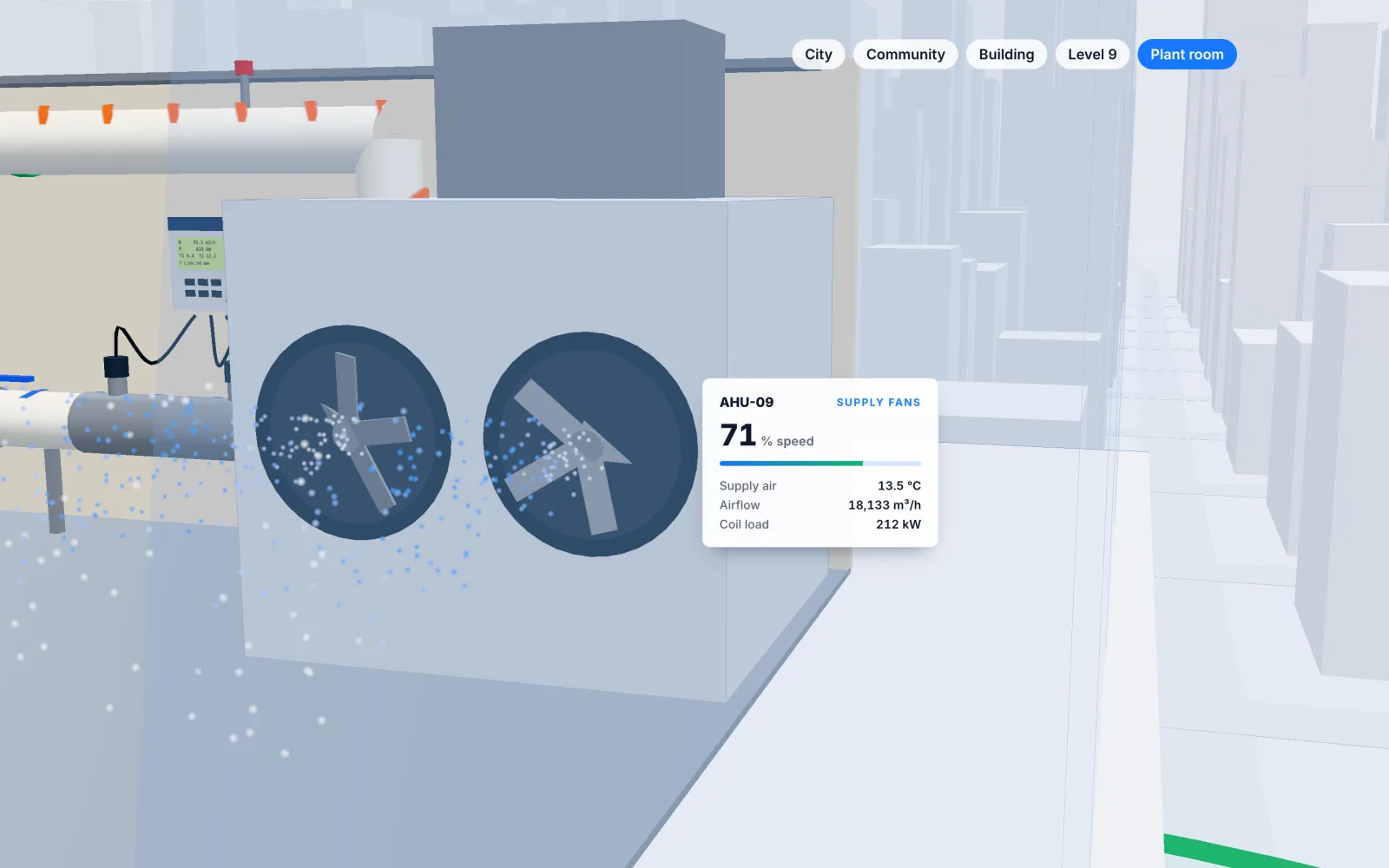
Floors lift away to show risers, meter rooms and the plant on each level.
Equipment view
The valve, the flow meter, the reader and the controller, each with its live values.
Cooling in detail
BTU meters show power, flow, supply and return temperatures and ΔT, per zone.
BMS monitoring
An equipment registry, floor plans and BMS alarms, in one place with the twin.
Equipment agent
Ties a short-cycling pump or an overflowing tank to its cause, right on the twin.
Inside the plant room
See the fans turn and the readings move
Works with
Part of one platform
Next step
See EnTwin on data like yours
Tell us about your buildings, meters and utilities. We'll walk you through it and come back with a proposal.